Author: Nasantsatsral B

In support of sustainable development and with the aim of mitigating the effects of climate change in Mongolia while protecting and increasing forest and water resources, TransBank has joined the national movement “One Billion Trees” for the fifth consecutive year as part of the annual spring tree planting campaign.
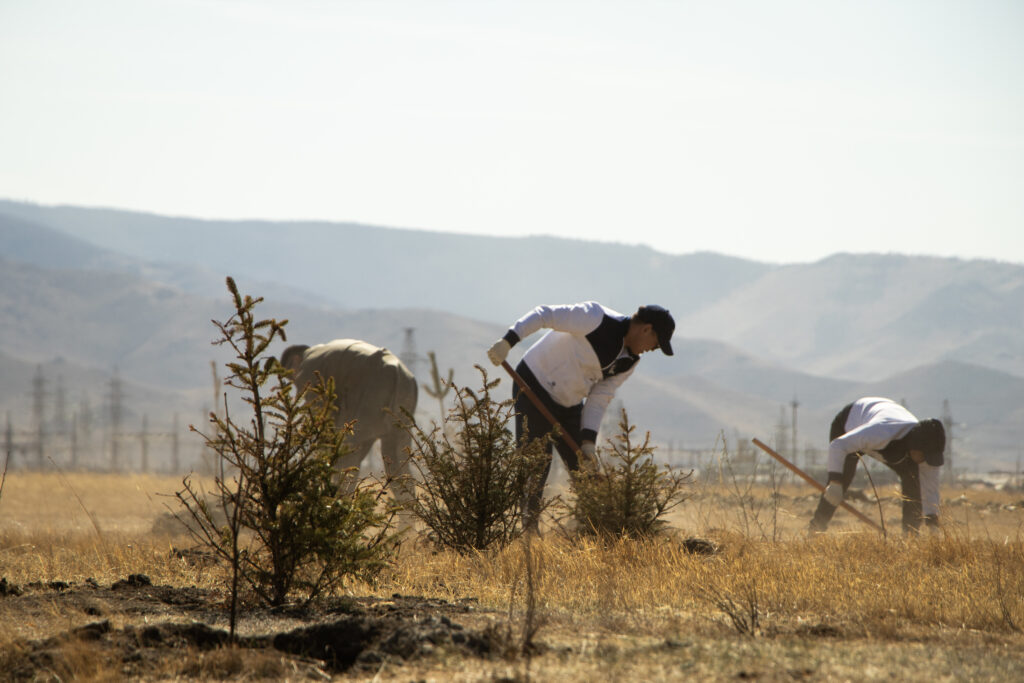
Within the framework of this initiative, which plays a crucial role in addressing climate change and its impacts, TransBank carried out maintenance and watering of trees previously planted in the International Eco Park located in Uliastai. In addition, over 20 new trees were planted during this year’s campaign.
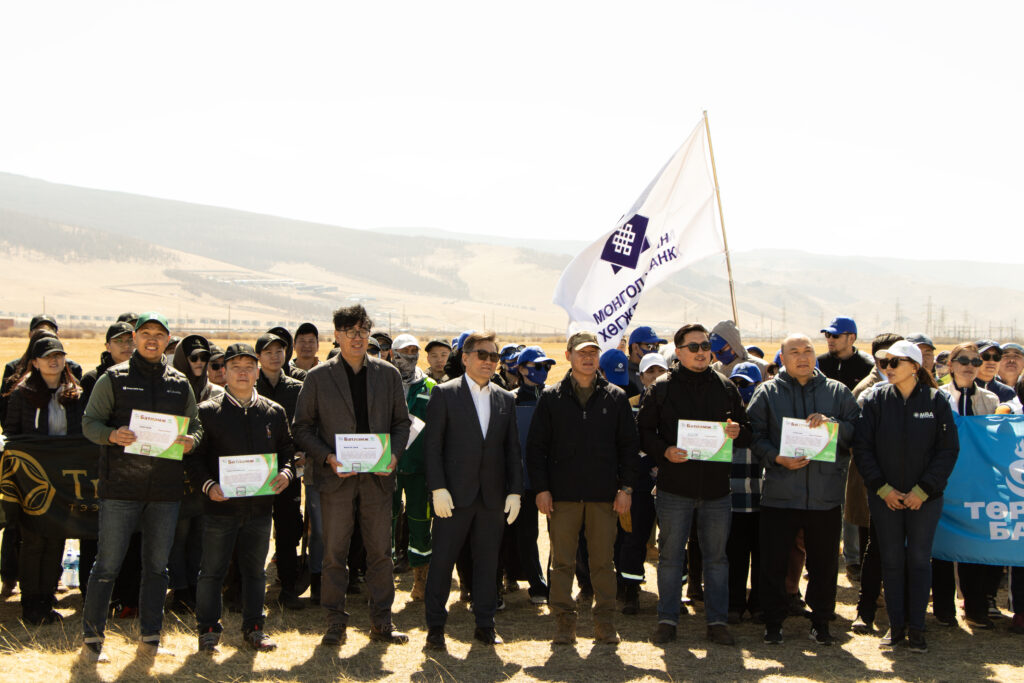
During the event, TransBank was recognized for its consistent and active participation in the “One Billion Trees” national movement, its promotion of tree-planting culture, and its contribution to the expansion of green spaces. In acknowledgment of these efforts, the International Eco Park presented the bank with a certificate of appreciation.
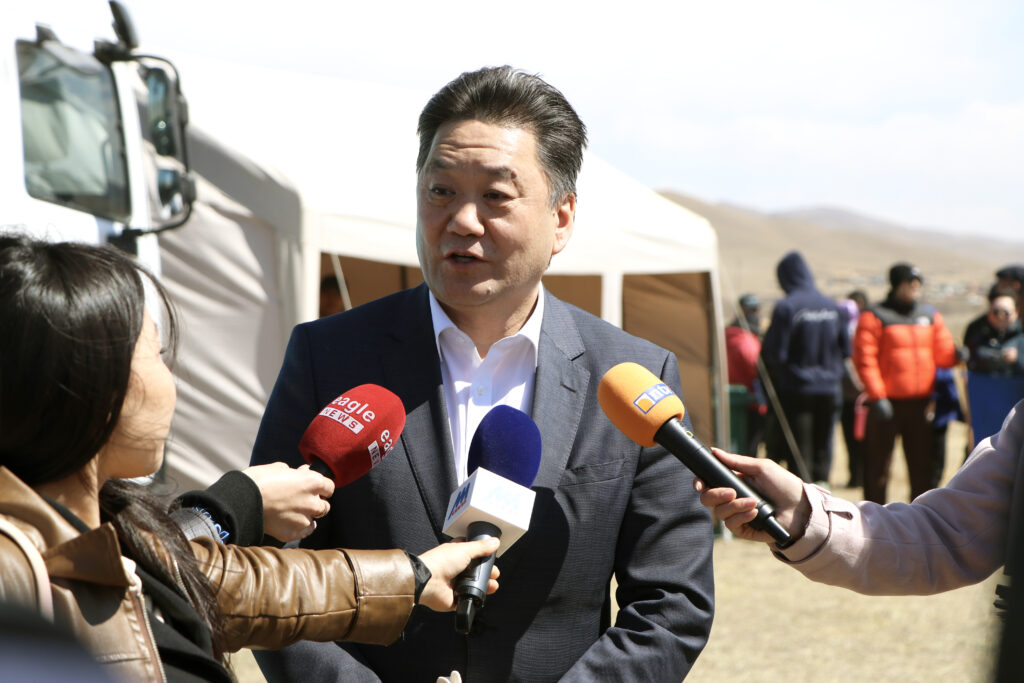
We call on the public to unite in this vital cause of planting trees an invaluable investment in the planet and to ensure their proper care and cultivation, thereby contributing to the preservation of ecological balance.

Categories
2024
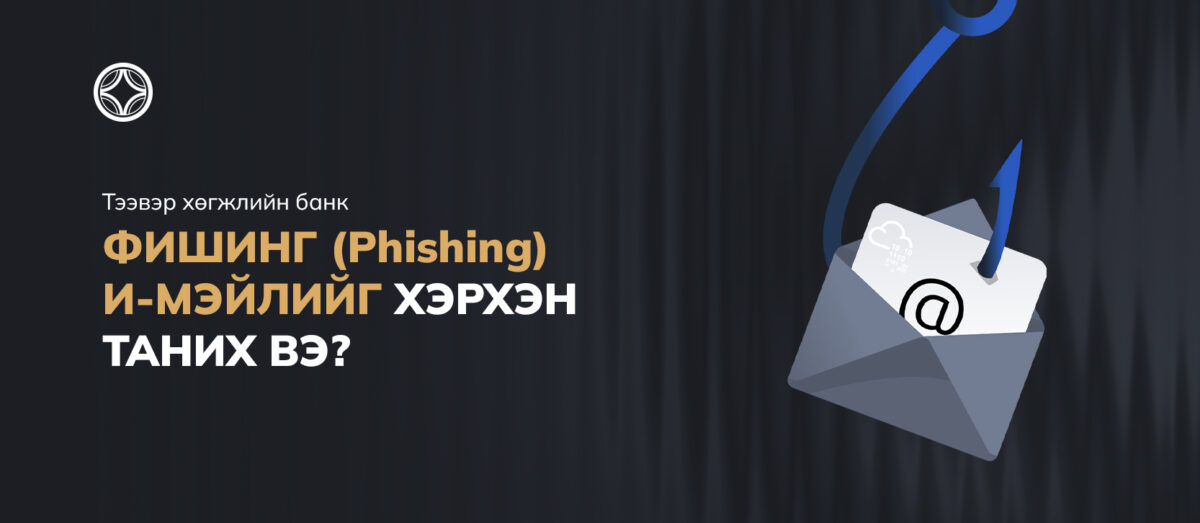
Phishing is a type of cyber‑attack that uses fraudulent e‑mails, messages, or websites to deceive individuals into disclosing personal information (such as passwords or card numbers).
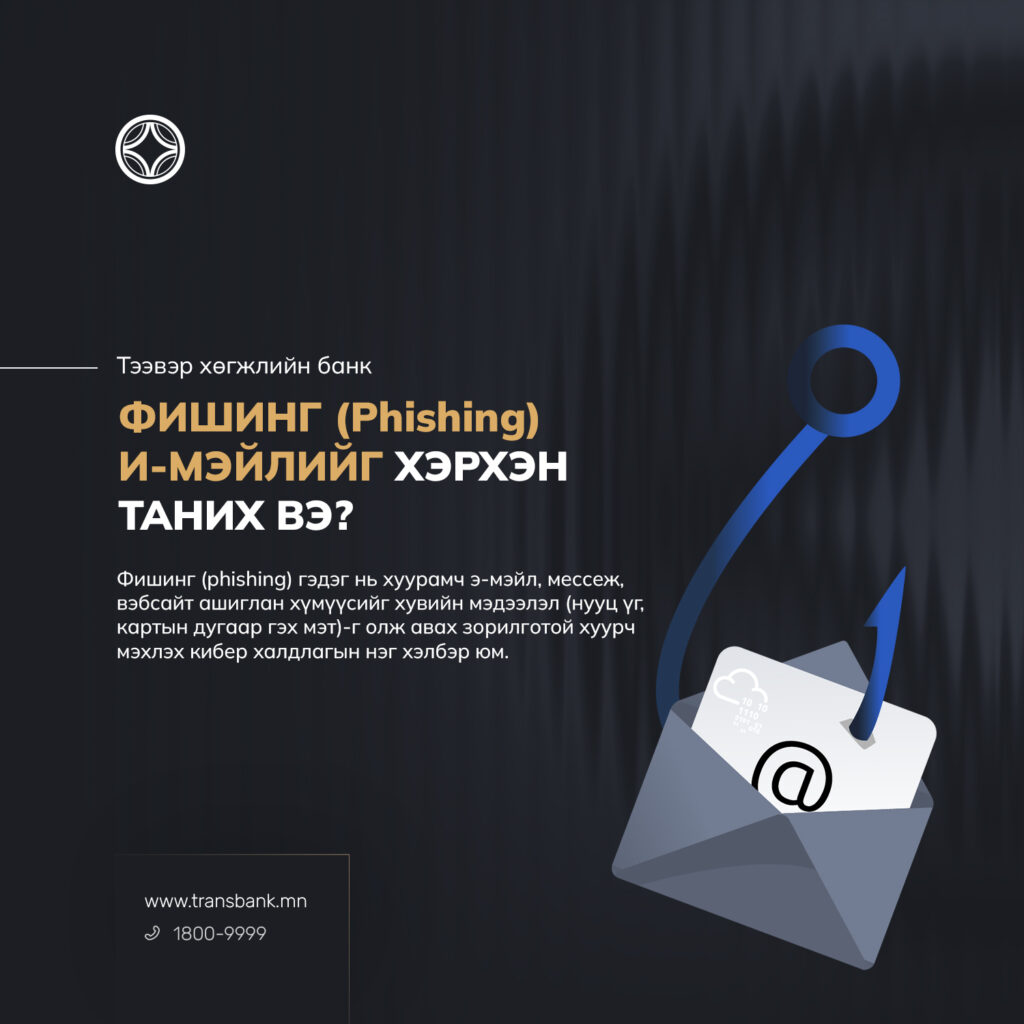
Example: an e‑mail purporting to be from a bank that requests your password.
When you receive an e‑mail, routinely check for the following suspicious indicators.
Sender (From):
- Verify whether the message originates from an unknown or suspicious address.
- Examine the sender’s address for subtle manipulations or typographical errors (for example: @facebok.mn, @mazon.com, @rnongoldank.mn, @transbank.com etc.), or characters swapped to resemble a legitimate domain.
Recipient (To / CC):
- Note whether you have been included together with many unknown recipients in the TO or CC fields, which may indicate a bulk or fraudulent message.
Subject Line:
- Be cautious of subject lines that are alarmist, unusually attention‑grabbing, or that appear to be replies to messages you did not send.
- A subject line that does not correspond to the e‑mail’s content is suspicious.
Message Body:
- Promises of prizes, rewards, or lottery winnings that seem too good to be true.
- Messages that create urgency or fear and demand immediate verification of information (e.g., “Your account has been hacked,” “Your access will be suspended”).
- Attempts to persuade you to click links or open attachments.
- Requests that pressure you to act within a short timeframe.
Links (URLs):
-
Hover your cursor over any link to preview the actual destination before clicking. A link that appears as www.amazon.com may instead redirect to www.xyzabc.net, a suspicious IP address (e.g., 160.154.156.*), or another fraudulent URL.
-
Be wary of emails that contain links with no visible anchor text or only a bare URL.
-
Pay attention to subtle domain variations intended to deceive (for example: transbank.com, transbankmn.mn, trans-bank.mn); do not assume similarity implies legitimacy.
Dear Customer,
Because your personal information can be exploited to commit online fraud, please protect your privacy and follow the security recommendations below.
-
Use unique usernames: Do not create usernames that are easily guessable (for example, phone numbers, your name, or date of birth). Use a distinct username for each online banking service.
-
Use strong passwords: Avoid common words or easily guessable personal information such as birth dates, phone numbers, or names.
-
Use dedicated passwords: Do not reuse passwords from social media, email, or other websites for online banking; instead, create unique login and transaction passwords for each online banking service.
-
Keep passwords secure: Never share your passwords with others, nor store them in unprotected locations. Change your passwords regularly, and always log out when you finish using internet banking.
-
Verify recipient details: Always confirm the account holder’s name before initiating any transfer via internet banking.
-
Enable two-factor authentication (2FA): Two-factor authentication provides an additional layer of protection beyond your password for account access, loans, transactions, and other services. Do not disclose one-time codes or 4–8‑digit authentication numbers received by SMS or email to anyone.
-
Monitor account activity: Regularly review your account transactions. Enable email and SMS notifications for transactions, and immediately report any suspicious or unauthorized activity to the police and to the Bank.
-
Beware of phishing emails and messages: The Bank will never request your personal information, internet banking username, or password via email or message. Before clicking links or opening attachments received by email, SMS, or other channels, verify the sender’s authenticity and refrain from submitting personal data, usernames, or passwords.
-
Use secure devices: Avoid using public or shared devices and unsecured public Wi‑Fi to access internet banking. Install and maintain reputable antivirus and security software on the devices you use for online banking to ensure a secure online environment.

The TransBank has started using IBAN account numbers starting from 2025.04.01.
Commercial banks operating throughout Mongolia are switching to the IBAN account numbering system in accordance with international standards. This change aims to increase the security, speed and reliability of transactions.
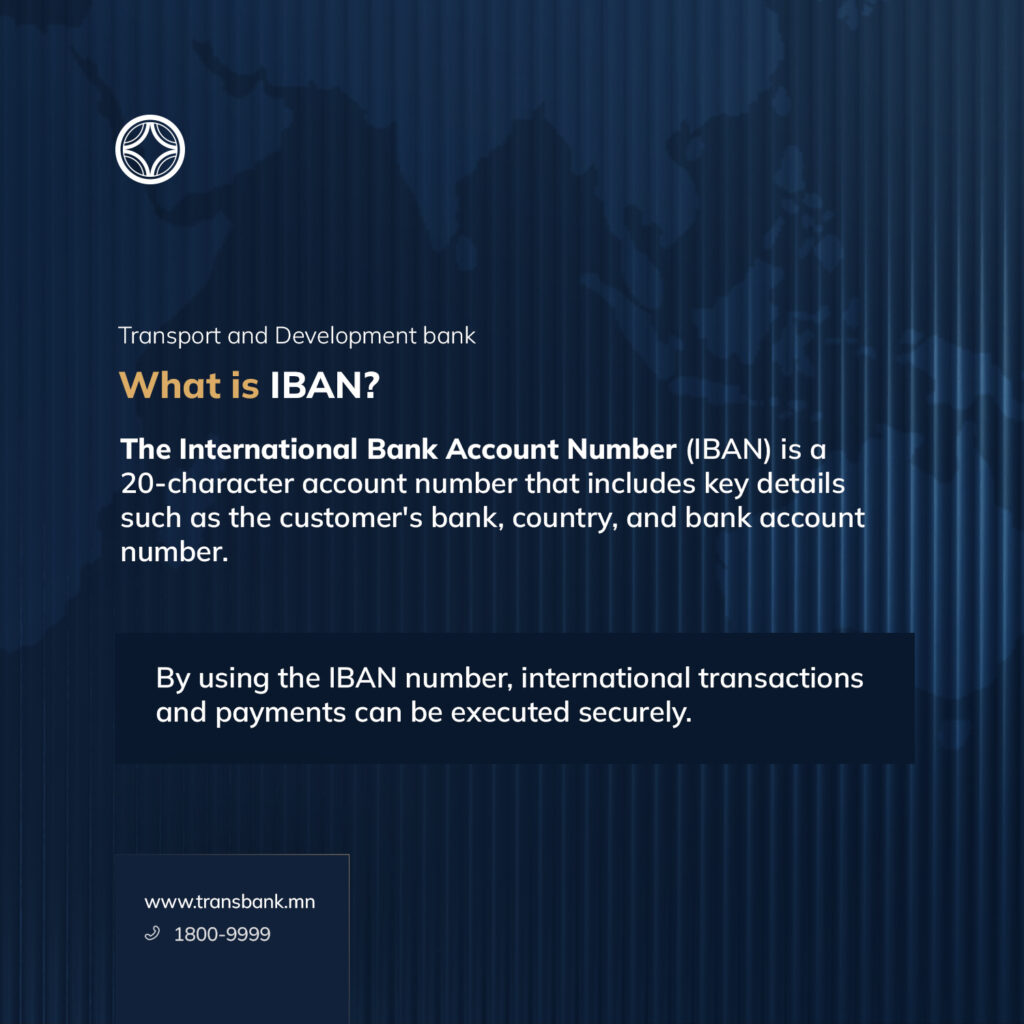
What is an IBAN account number?
The International Bank Account Number (IBAN) is a 20-character account number that includes key details such as the customer’s bank, country, and bank account number. By using the IBAN number, international transactions and payments can be executed securely.
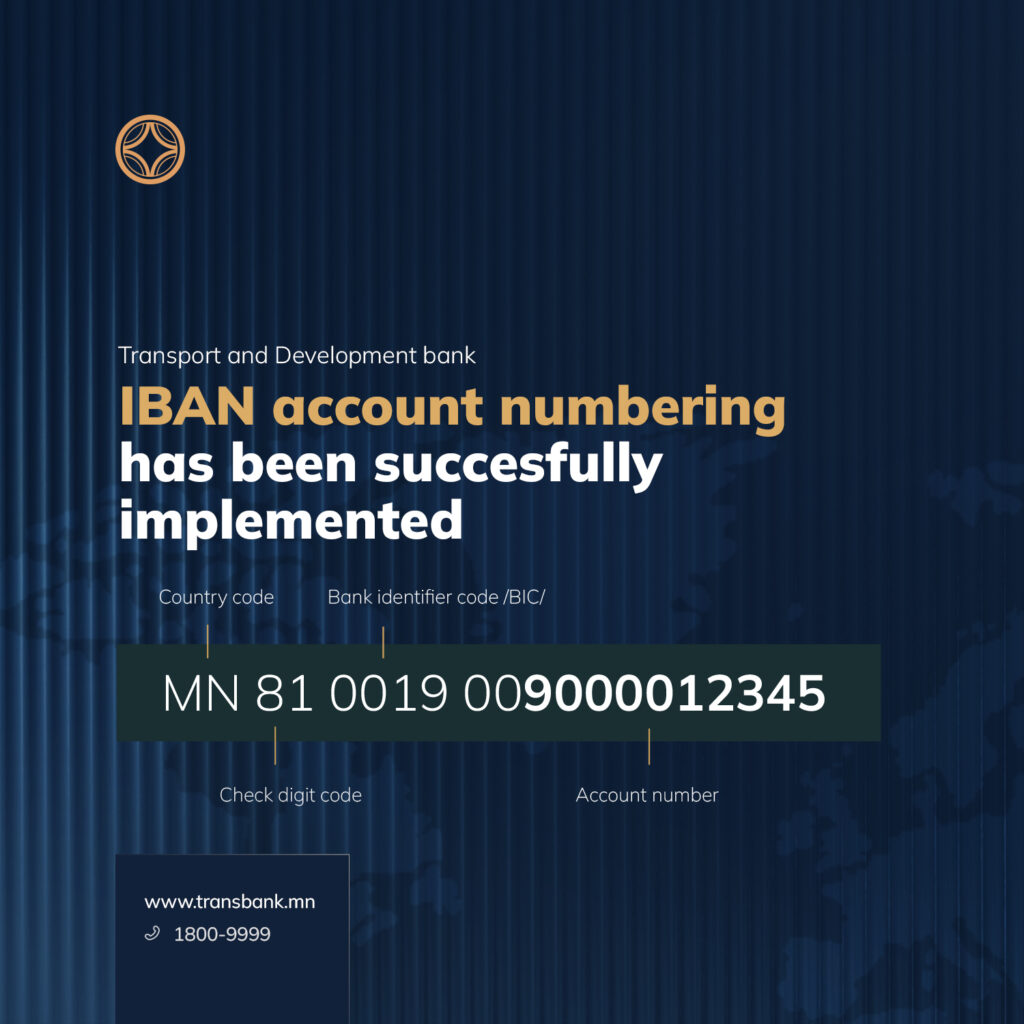
Account number: MN81 0019 009000012345
- MN – Country code
- 81 – Check digit code
- 0019 – Bank identifier code /BIC/
- 009000012345 – Account number
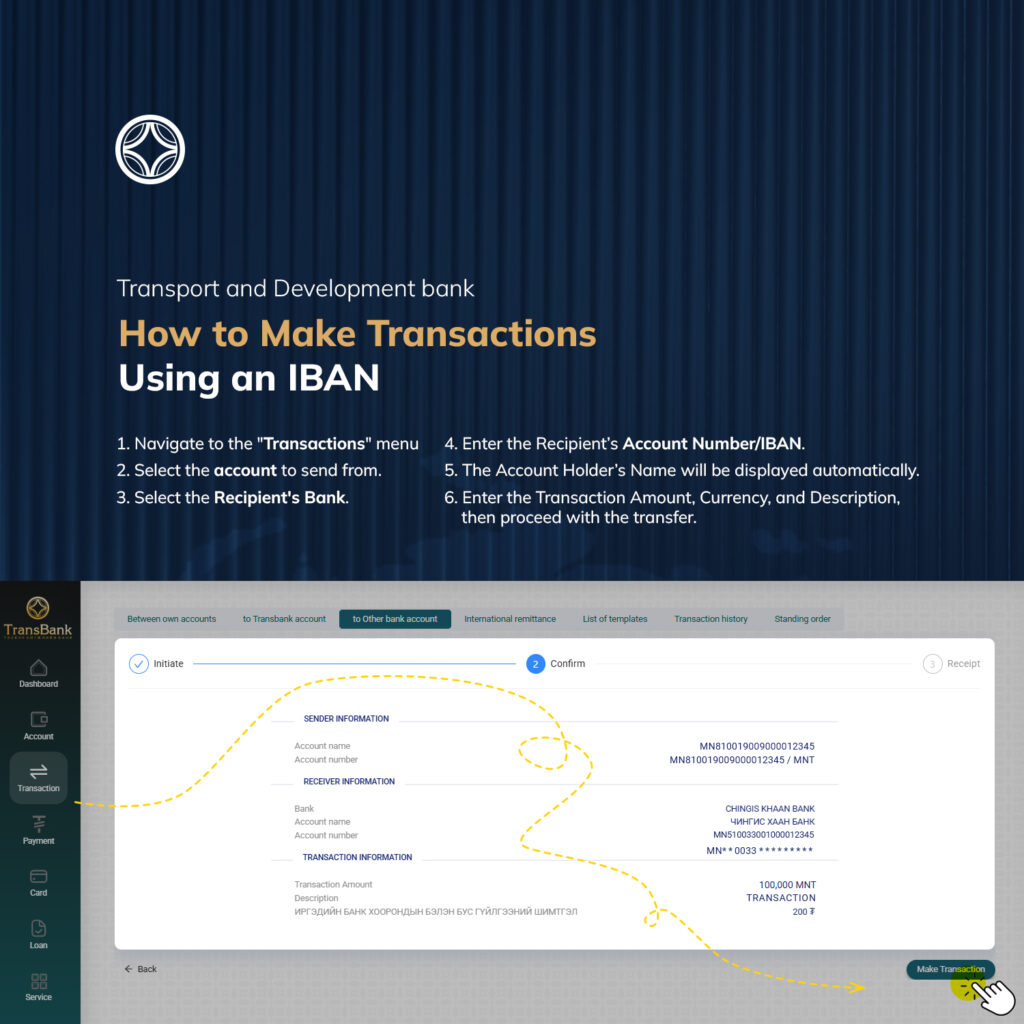
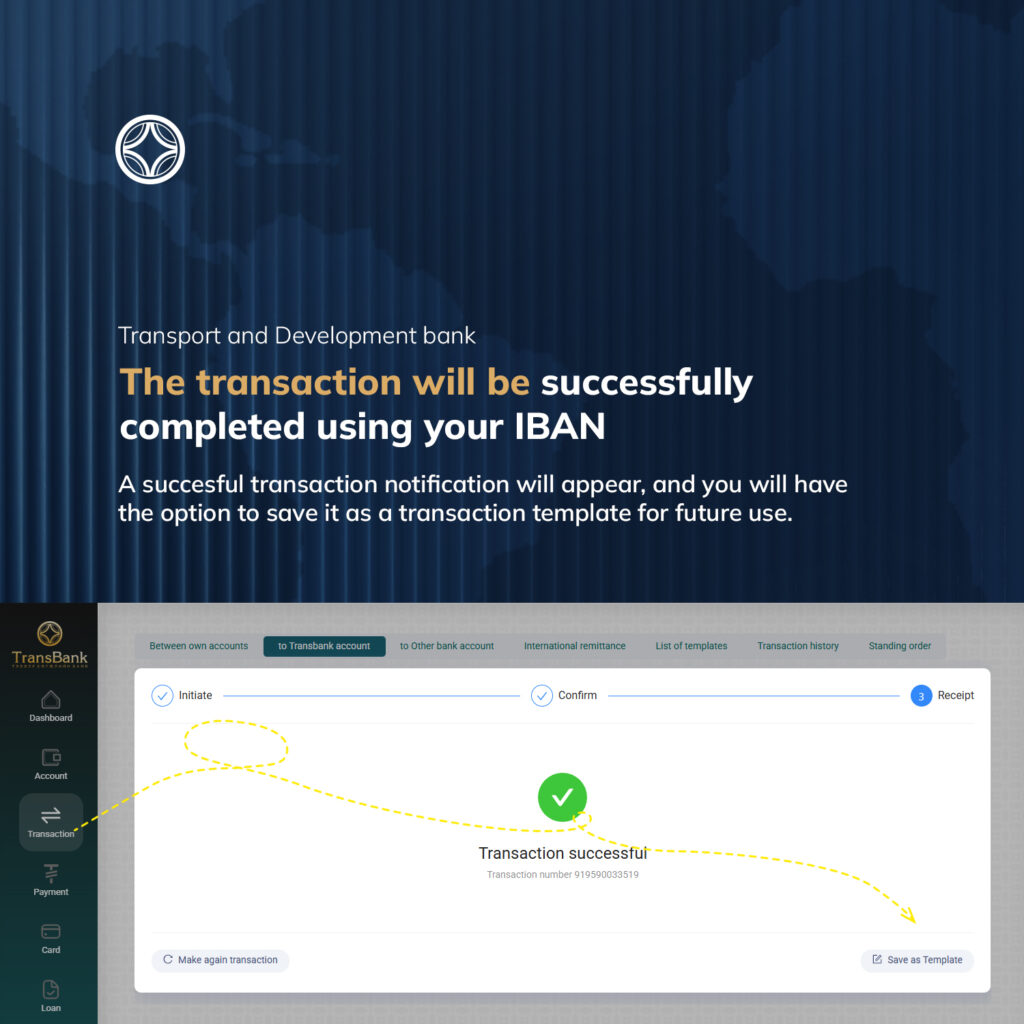
We are providing instructions to our customers on how to successfully make transactions using IBAN numbers through the Internet banking of the TransBank.